

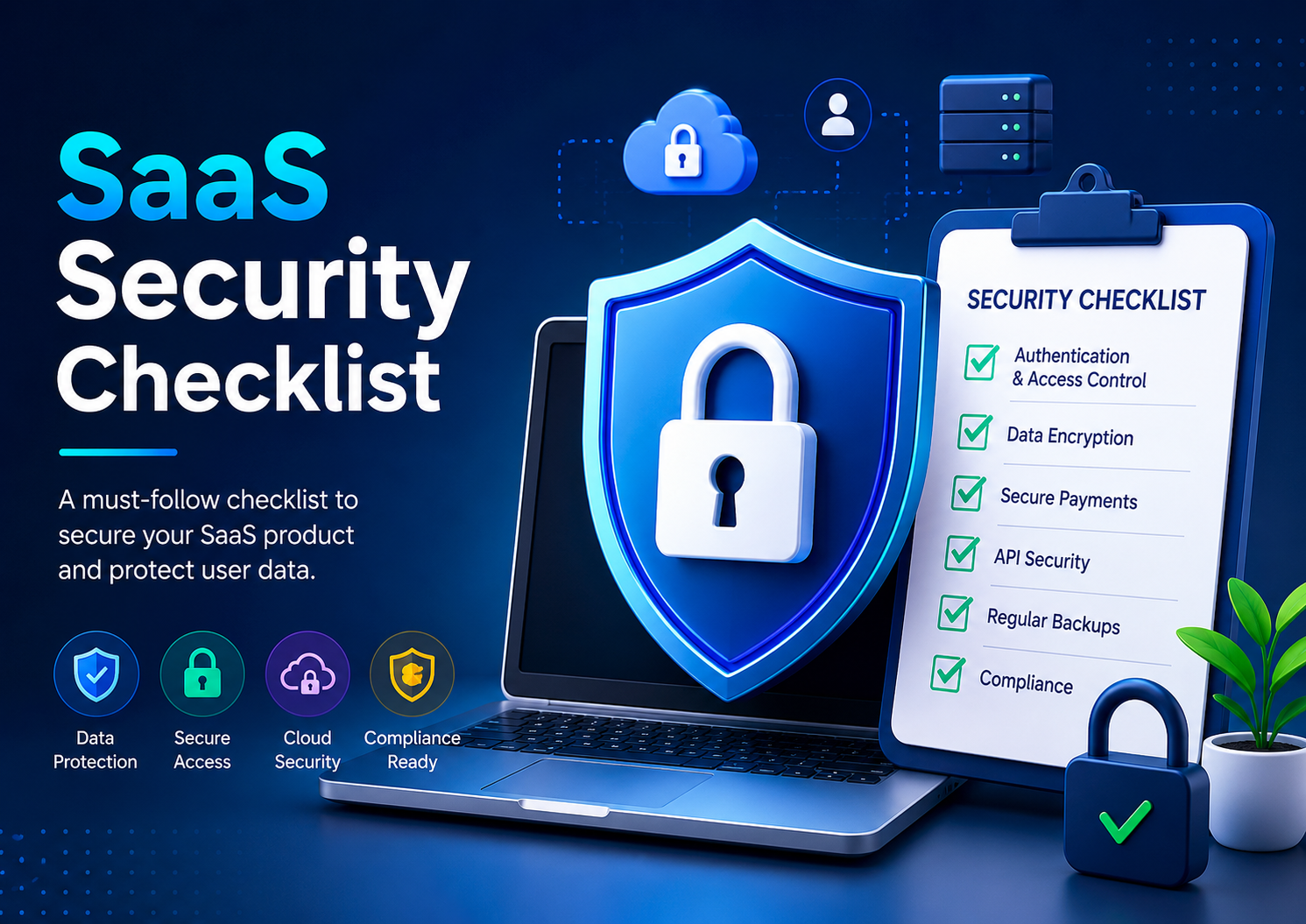
If you are building a SaaS product, security cannot be treated as something to “fix later.”
Many founders focus on product features, UI, growth, and marketing while security gets pushed into the backlog. The problem? One security mistake can cost customer trust, legal headaches, lost revenue, and reputation damage.
You do not need to become a cybersecurity expert to launch a secure SaaS product. What you need is a practical checklist that helps you ask the right questions before and after launch.
This guide breaks down a simple SaaS security checklist for founders and business owners buying SaaS development services.
Why SaaS Security Matters
Imagine this scenario.
You launch your SaaS platform. Customers start signing up and uploading sensitive business information. A few months later, a vulnerability exposes customer data because login security was weak or database permissions were misconfigured.
Now customers stop trusting the platform.
Refund requests start coming in.
Negative reviews appear online.
For an early-stage SaaS company, trust is everything.
Security is not only about preventing hackers. It is about protecting customer confidence and proving that your business takes privacy seriously.
Here is what good security helps you achieve:
Security BenefitBusiness ImpactData protectionProtects customer trustSecure paymentsReduces fraud risksCompliance readinessAvoids legal problemsBetter reputationImproves credibilityLower downtime riskProtects revenue
Bottom line: security becomes a competitive advantage.
1. Secure User Authentication
Your login system is the first security layer.
Weak passwords and poor authentication systems are among the biggest reasons SaaS products get compromised.
Ask your development team:
- Do users have strong password requirements?
- Is multi-factor authentication (MFA) available?
- Are passwords encrypted properly?
- Is suspicious login activity monitored?
For example, if a user logs in from a new country or unusual device, your platform should detect suspicious activity.
Founder Checklist
✅ Strong password policy
✅ Password reset security
✅ Multi-factor authentication (MFA)
✅ Login monitoring system
✅ Session timeout after inactivity
2. Protect Customer Data
Many SaaS products store:
- Customer profiles
- Payment information
- Company documents
- Analytics data
- Private business information
Founders should ask one simple question:
“How is customer data protected?”
Your developers should secure data in two ways:
Data at Rest
Information stored in servers or databases should be encrypted.
Data in Transit
Data moving between browser and server should also be encrypted.
If your SaaS website still lacks HTTPS protection, that is a major red flag.
Founder Checklist
✅ HTTPS enabled across the website
✅ Database encryption implemented
✅ Backup system available
✅ Sensitive data protected
✅ Access permissions controlled
3. Role-Based Access Control (RBAC)
Not every employee or user should access everything.
For example:
A marketing manager should not access billing settings.
A support executive should not see financial records.
An admin should have higher permissions than standard users.
This is called Role-Based Access Control (RBAC).
A good SaaS platform defines access clearly.
Real Business Example
Imagine you run an HR SaaS product.
- HR Admin → Full access
- Employee → Personal dashboard only
- Manager → Team analytics access
Without permission control, sensitive employee data becomes exposed.
Founder Checklist
✅ Admin-level permissions
✅ Employee/user access restrictions
✅ Role-based dashboards
✅ Limited sensitive-data access
4. Secure Payment Systems
If your SaaS platform accepts subscriptions, payment security matters.
Instead of storing card details yourself, use trusted payment providers.
Examples include:
- Stripe
- PayPal
- Razorpay
These providers handle sensitive payment infrastructure securely.
Ask your team:
- Are payment systems PCI compliant?
- Are card details stored internally? (They should not be.)
- Is payment fraud detection enabled?
Founder Checklist
✅ Trusted payment gateway
✅ No raw card storage
✅ Secure billing workflows
✅ Subscription fraud monitoring
5. API Security
Modern SaaS products rely heavily on APIs.
APIs connect systems, apps, integrations, CRMs, analytics tools, and third-party software.
Poor API security can expose private customer data.
Example:
An attacker may access user information if APIs lack authentication.
Ask your team:
- Are APIs protected with authentication?
- Is rate limiting enabled?
- Are API keys secured?
Founder Checklist
✅ API authentication enabled
✅ Rate limiting applied
✅ API keys protected
✅ Logging enabled
6. Regular Security Testing
Security is not a one-time task.
Your SaaS should be tested regularly.
Two common practices:
Vulnerability Scanning
Automated scans find common weaknesses.
Penetration Testing
Experts simulate attacks to identify vulnerabilities.
Think of it as hiring someone to ethically “break” your system before bad actors do.
Founder Checklist
✅ Quarterly security testing
✅ Bug fixes prioritized
✅ Vulnerability monitoring
✅ Penetration testing performed
7. Backup and Disaster Recovery
Imagine losing customer data after a server crash.
Could your business recover?
Every SaaS platform should have a backup plan.
Ask:
- How frequently are backups taken?
- How quickly can systems recover?
- Is backup testing done?
Founder Checklist
✅ Automated backups
✅ Disaster recovery plan
✅ Recovery testing completed
✅ Cloud redundancy available
8. Compliance and Privacy
Depending on customers and geography, compliance matters.
Examples:
- GDPR for European users
- Privacy laws for customer consent
- Data retention policies
Even startups should take privacy seriously.
Founders should ensure:
- Privacy policy exists
- Terms of service exist
- Cookie consent exists
- Data handling practices are documented
Founder Checklist
✅ Privacy policy published
✅ User consent tracking
✅ Legal documentation available
✅ Compliance review completed
9. Employee and Admin Security
Many breaches happen internally.
Examples:
- Weak passwords
- Shared admin access
- Poor laptop security
Require:
- Strong password management
- Access restrictions
- Secure admin login
Founder Checklist
✅ Team access policies
✅ Secure admin accounts
✅ MFA for internal users
✅ Access removal after employee exit
10. Security Monitoring and Alerts
Security issues should be detected early.
Your platform should monitor:
- Failed logins
- Suspicious activity
- System errors
- Unauthorized access attempts
Example:
If someone attempts 50 failed logins in 2 minutes, your system should trigger an alert.
Founder Checklist
✅ Security monitoring dashboard
✅ Failed login alerts
✅ Threat detection enabled
✅ Incident reporting process
Common SaaS Security Mistakes Founders Make
MistakeRiskIgnoring security in MVPExpensive fixes laterWeak login systemAccount compromiseNo backupsData lossOver-permissioned usersData leaksStoring payment data internallyCompliance riskNo security testingHidden vulnerabilities
Final Founder Security Checklist
Before launch, ask your development team:
AreaStatusAuthentication security☐MFA enabled☐Database encryption☐HTTPS active☐Role-based access☐Payment security☐API protection☐Security testing☐Backup system☐Privacy compliance☐Monitoring & alerts
Comments 0
No comments yet. Be the first to share your thoughts!